Add account
Generate a Bol.com Client Id and Client Secret
Section titled “Generate a Bol.com Client Id and Client Secret”To integrate bol.com, you’ll need your Client ID and Client Secret.
👉 Follow Step 1 only from this official guide:
How to acquire bol.com API credentials
Create a new Bol.com account
Section titled “Create a new Bol.com account”To create a new Bol account, follow the steps below:
- Sign in to your Juble.io account using your credentials.
- In the main menu, go to the “Channels” section.
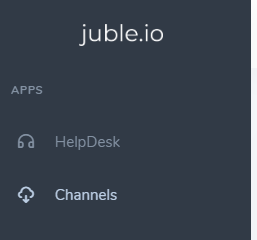
- Within the “Channels” section, click on the “Add Channel” button to initiate the process of connecting a new marketplace integration.
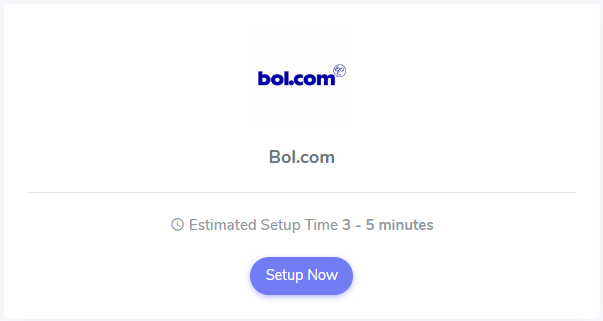
- From the available marketplace options, choose “Bol.com” to proceed with linking your Bol.com account.
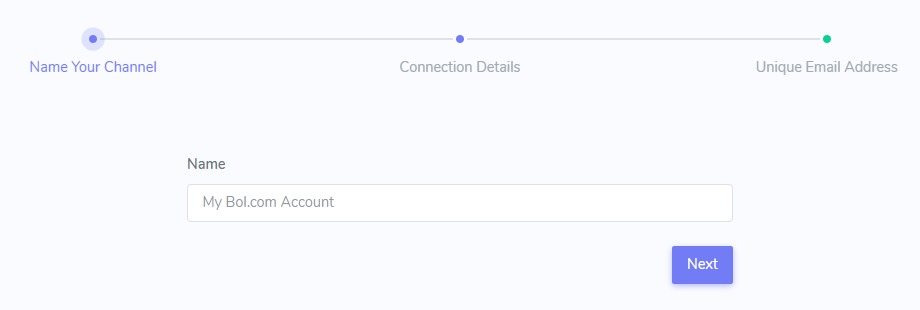
- Provide a Friendly Name: Assign a clear and descriptive name to this specific integration within your Juble.io account, especially if you manage multiple marketplaces.
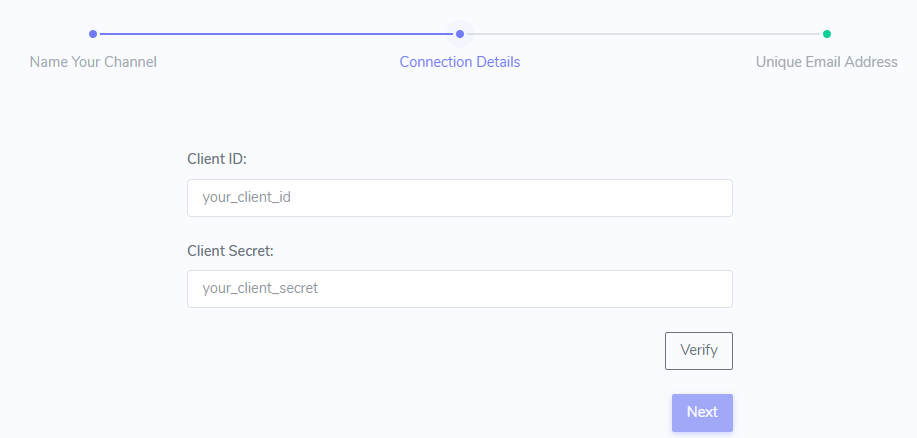
- Enter the Client ID and the Client Secret
Finalize Your Bol.com Integration
Section titled “Finalize Your Bol.com Integration”- Enable Connection:
Once you’ve reviewed and granted the necessary permissions, click the “Enable” button to finalize the integration process.
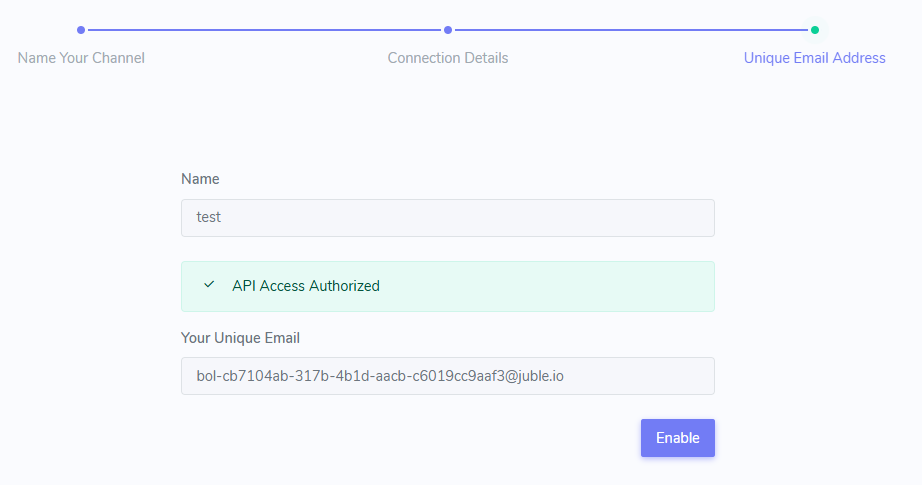
Add Your Unique Email Address to Bol.com
Section titled “Add Your Unique Email Address to Bol.com”To ensure customer messages from bol.com are correctly routed to your helpdesk, you must add your unique support email to your seller account.
Follow the official bol.com instructions here:
👉 How to manage email addresses in your bol.com account
Once this is done, Bol.com will start forwarding messages to your helpdesk through the newly added email.