Add account
Create a new TikTok account
Section titled “Create a new TikTok account”To create a new TikTok account, follow the steps below:
- Sign in to your Juble.io account using your credentials.
- In the main menu, go to the “Channels” section.
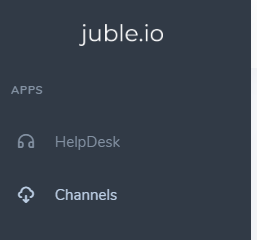
- Within the “Channels” section, click on the “Add Channel” button to initiate the process of connecting a new marketplace integration.
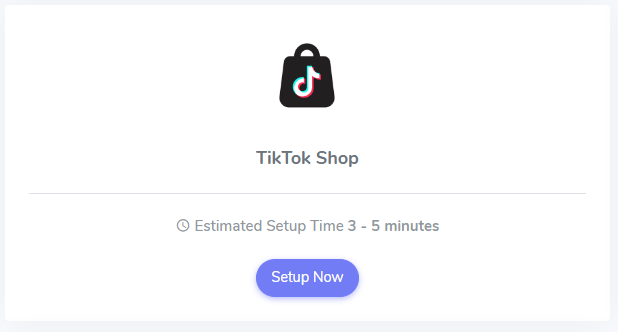
- From the available marketplace options, choose “TikTok Shop” to proceed with linking your TikTok account.
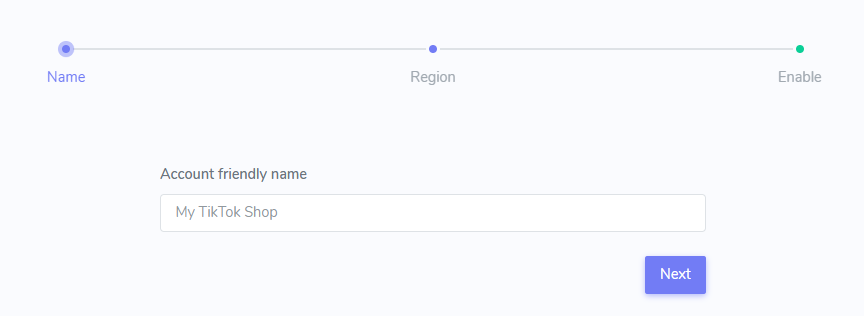
- Provide a Friendly Name: Assign a clear and descriptive name to this specific integration within your Juble.io account, especially if you manage multiple marketplaces.
Authorize Juble.io Access to your TikTok Shop
Section titled “Authorize Juble.io Access to your TikTok Shop”- Authorize API Access: Click on the “Authorize” button. This will redirect you to TikTok where you will be asked to confirm and authorize Juble.io’s access to your order information and instant messages.
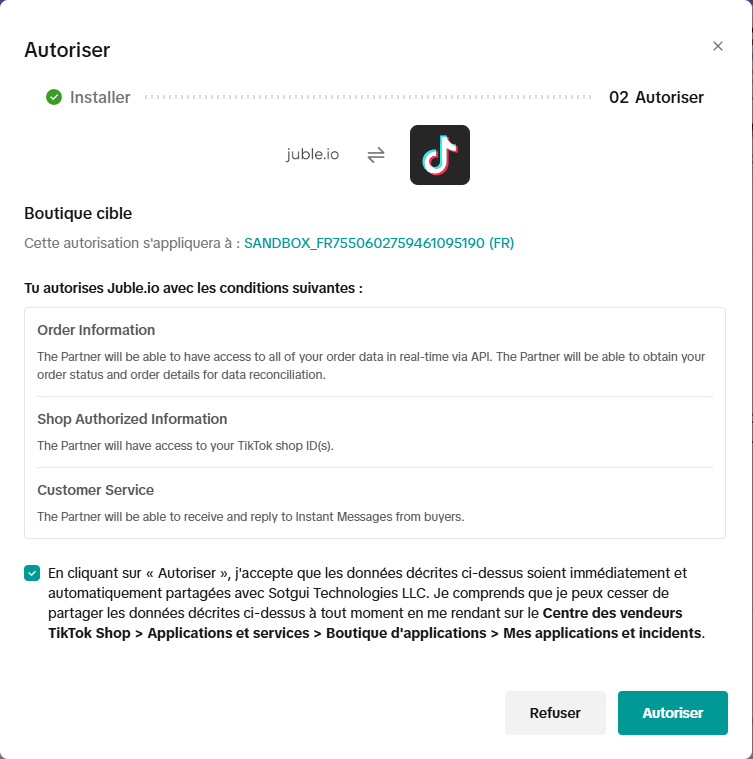
- Confirmation: Once authorization is complete, you’ll be redirected back to Juble.io. Your TikTok API will now be integrated with Juble.io, and you can start managing your channels effectively.
Finalize Your TikTok Shop Integration
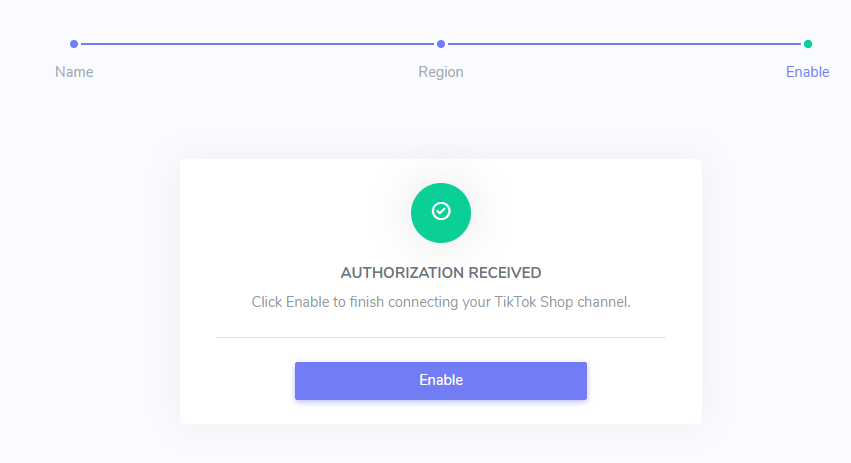
Section titled “Finalize Your TikTok Shop Integration”- Enable Connection:
Once you’ve reviewed and granted the necessary permissions, click the “Enable” button to finalize the integration process.