Add account
Authorize Juble.io Access to your Fnac / Darty account
Section titled “Authorize Juble.io Access to your Fnac / Darty account”To enable the seamless integration of Fnac / Darty, it’s crucial to grant authorization for Juble.io to access your Fnac / Darty account. Follow these steps to authorize access:
- Contact Fnac support by emailing Marketplace.api@fnacdarty.com
- In your message, kindly ask them to authorize Juble.io to access and interact with your store.
By completing these steps, you’ve successfully authorized Juble.io to access your Fnac / Darty account. This authorization is essential for Juble.io to retrieve customer messages and order details, providing you with a unified platform for managing customer support.
Create a new Fnac / Darty account
Section titled “Create a new Fnac / Darty account”To create a new Fnac / Darty account, follow the steps below:
- Sign in to your Juble.io account using your credentials.
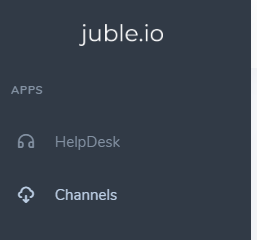
- In the main menu, go to the “Channels” section.
3. Enter the desired information regarding, the name of the account, the Fnac / Darty Shop Id
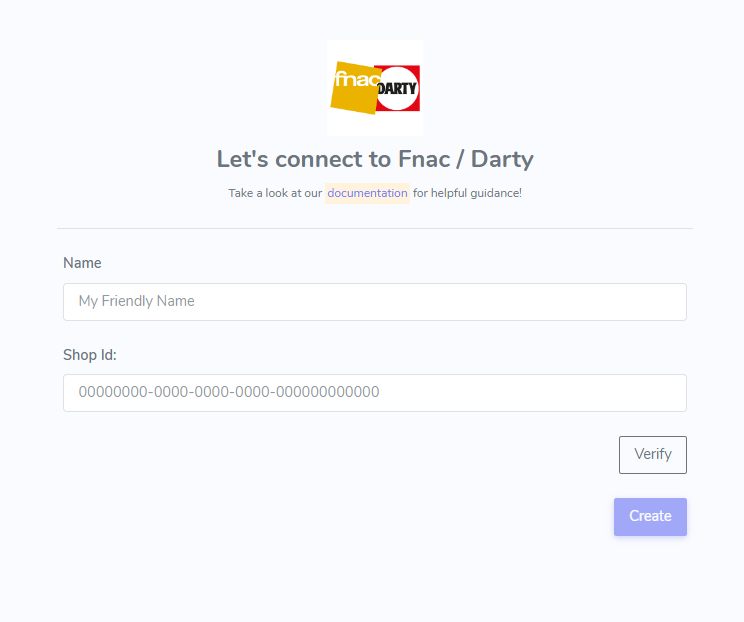
4. Verify the connection and Save the information