Add account
Generate a Mirakl API Key
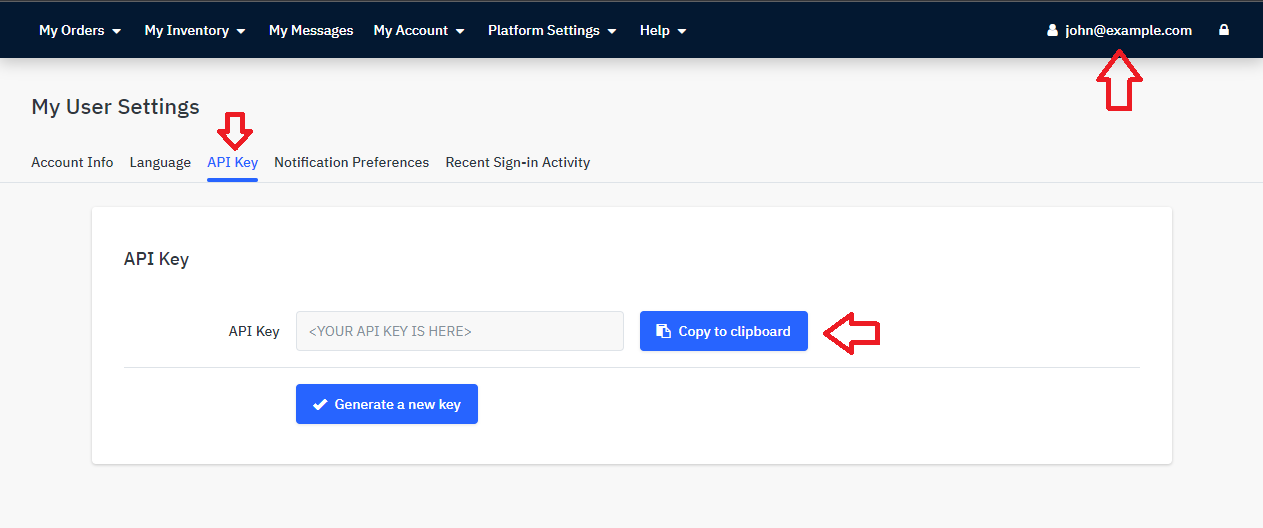
Section titled “Generate a Mirakl API Key”To generate the Mirakl API Key (See screenshot below):
- Log into your desired Mirakl account: https://[ACCOUNT].mirakl.net/mmp/shop/user/api
- Click on your email address on the top right corner
- Select the tab ‘API Key’
- Copy your API Key
Create a new Mirakl account in Zendesk
Section titled “Create a new Mirakl account in Zendesk”To create a new Mirakl account, follow the steps below:
- Sign in to your Zendesk Support account
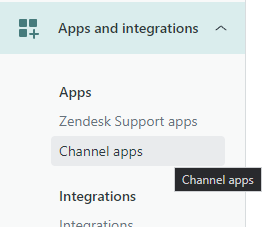
- Go to your Zendesk Admin Center and click on the Channel apps menu.
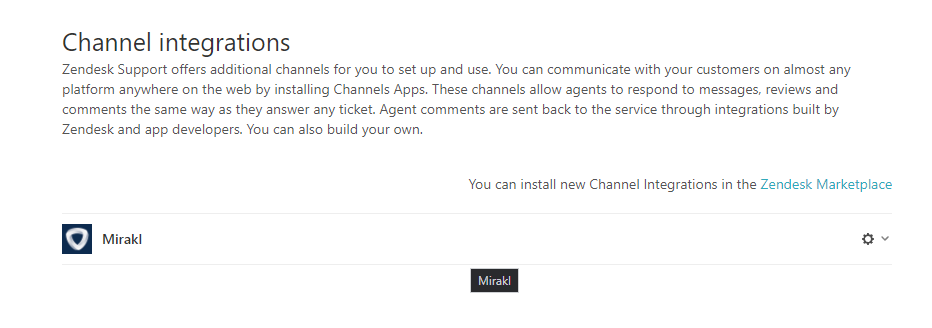
- Select your Mirakl integration installed.
- Click on Add account
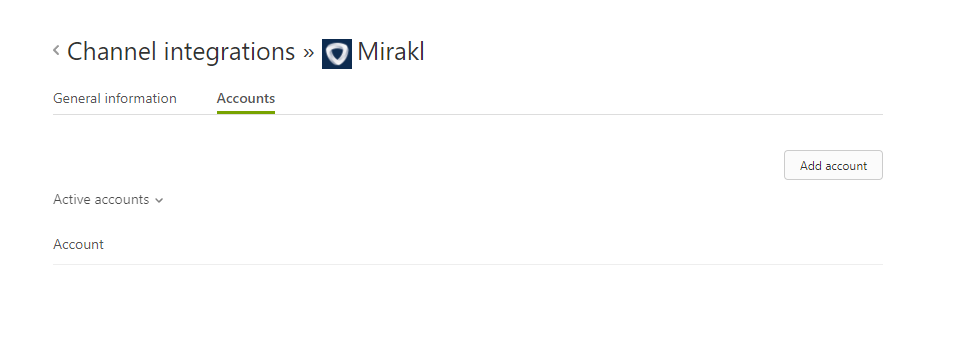
5. Enter the desired information regarding, the name of the account, the Mirakl URL and the API Key
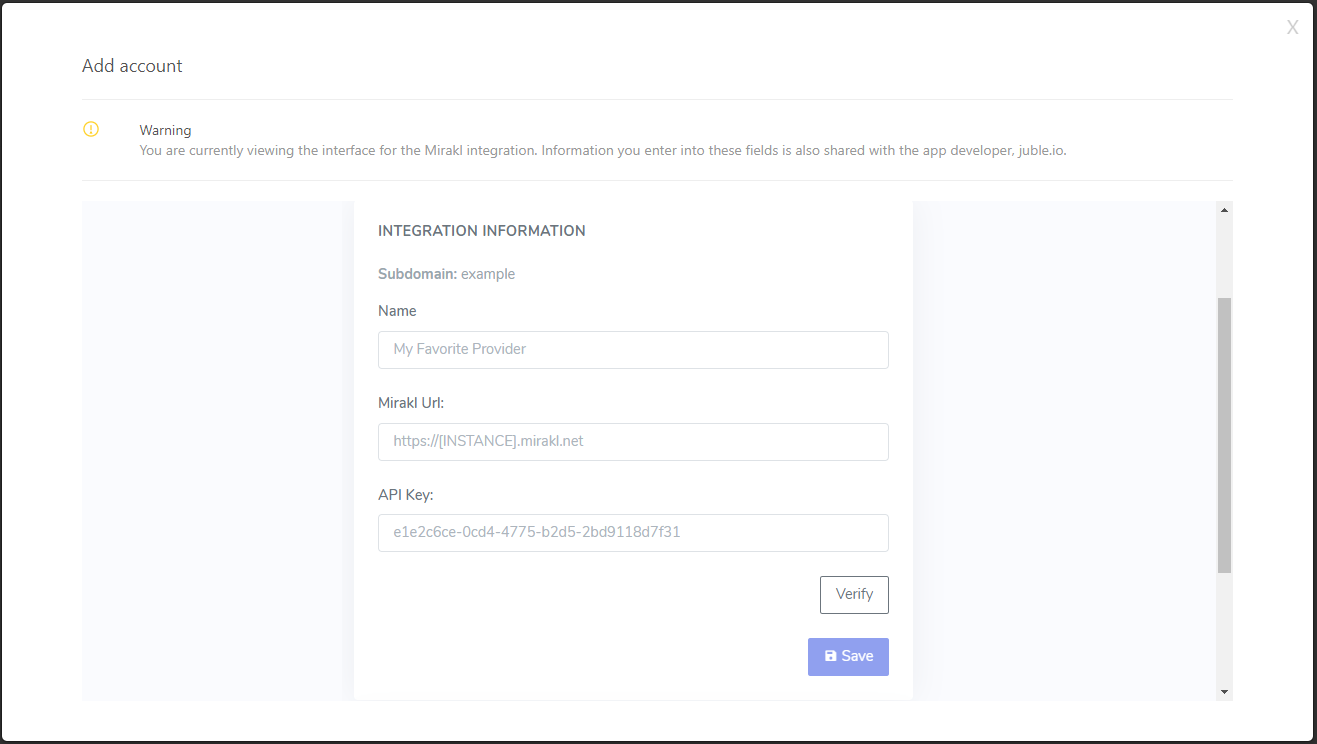
6. Verify the connection and Save the information