Add account
Get your Veepee API Access Token
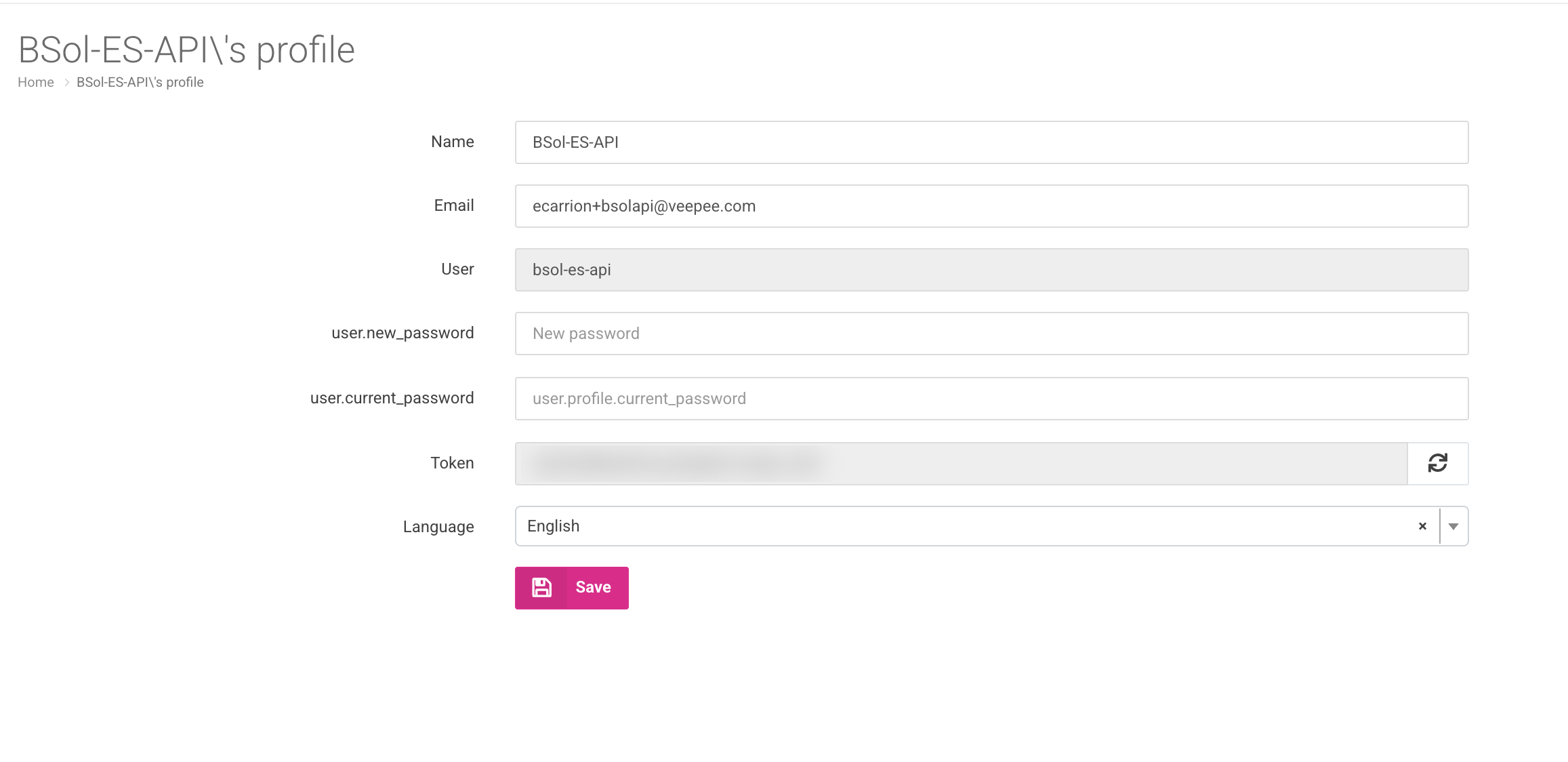
Section titled “Get your Veepee API Access Token”Juble.io connects to Veepee through the Pink Connect API. Your API access token is available in your Pink Connect profile.
- Log in to Pink Connect with your Veepee Brandsplace seller account.
- Open your profile page.
- Locate the Token field and copy its value.
Create a new Veepee account
Section titled “Create a new Veepee account”- Sign in to your Juble.io account using your credentials.
- In the main menu, go to the “Channels” section.
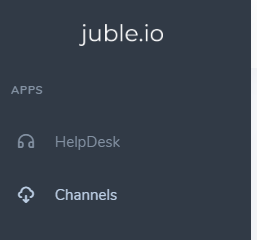
- Click the “Add Channel” button and choose “Veepee”.
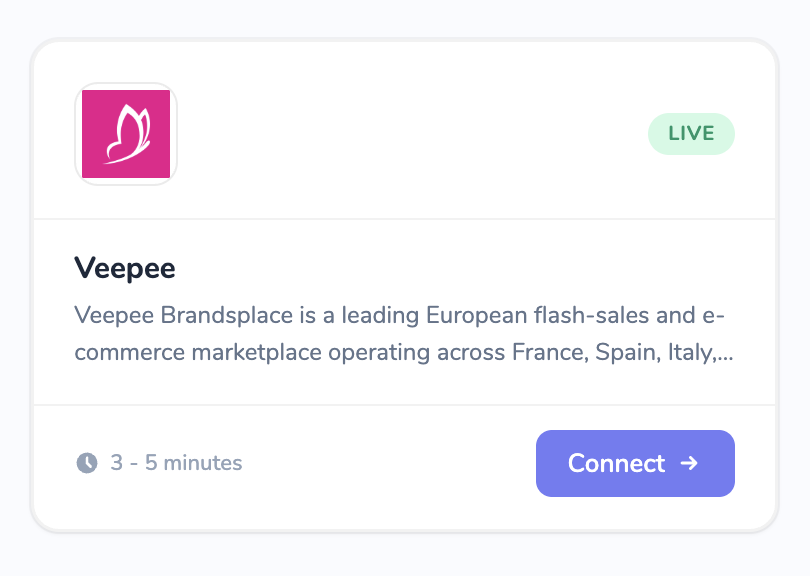 4. Enter the following information:
- Name: A clear, descriptive name for this integration (e.g., My Veepee Store).
- API Access Token: Paste the token you copied from Pink Connect.
- Environment: Select Production (
api.pink-connect.com). Use Staging only if Veepee gave you a staging account for testing.
- Click Verify. Juble.io checks your credentials and shows “Connection verified.” when they work.
- Click Create.
How it works
Section titled “How it works”- Veepee customer notifications on your orders are imported as tickets in your helpdesk, enriched with order details.
- Replies you send from your helpdesk are delivered to the customer through Veepee, attachments included.
- You can also start a new conversation with a customer from an order.
Troubleshooting
Section titled “Troubleshooting”If verification fails with a Connection Error:
- Check that you copied the full API token, without extra spaces.
- Check that the selected Environment matches the one your token was issued for.
- Check that API access is enabled for your account in Pink Connect.