Add account
Get your Kaufland API keys
Section titled “Get your Kaufland API keys”Juble.io connects to Kaufland through the Kaufland Marketplace Seller API. You need a Client Key and a Secret Key, available in the API settings of your Kaufland Seller Portal.
- Log in to the Kaufland Seller Portal with your seller account.
- Go to Settings > API.
- Copy your Client Key and Secret Key.
Create a new Kaufland account
Section titled “Create a new Kaufland account”- Sign in to your Juble.io account using your credentials.
- In the main menu, go to the “Channels” section.
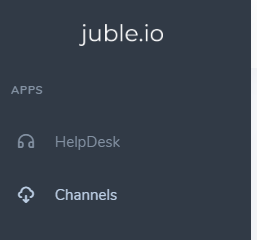
- Click the “Add Channel” button and choose “Kaufland”.
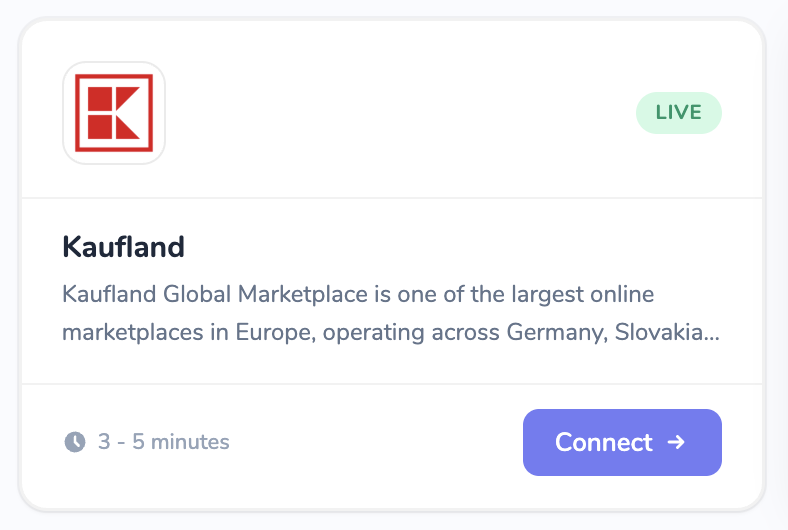 4. Enter the following information:
- Name: A clear, descriptive name for this integration (e.g., My Kaufland Store).
- Client Key: Paste the client key you copied from the Seller Portal.
- Secret Key: Paste the 64-character secret key.
- Storefront: Select the country where your seller account operates (DE, CZ, SK, PL, FR, IT, AT, ES or NL).
- Click Verify. Juble.io checks your credentials and shows “Connection verified.” when they work.
- Click Create.
Troubleshooting
Section titled “Troubleshooting”If verification fails with a Connection Error:
- Check that you copied the full Client Key and Secret Key, without extra spaces.
- Check that API access is enabled for your account in the Kaufland Seller Portal.